


Quit apps when you close their last window
On a Mac, closing an app’s last window doesn’t quit it. The app keeps running in the background, using memory. Last Window Quits quits it for you, the way Windows does.
brew install --cask last-window-quits
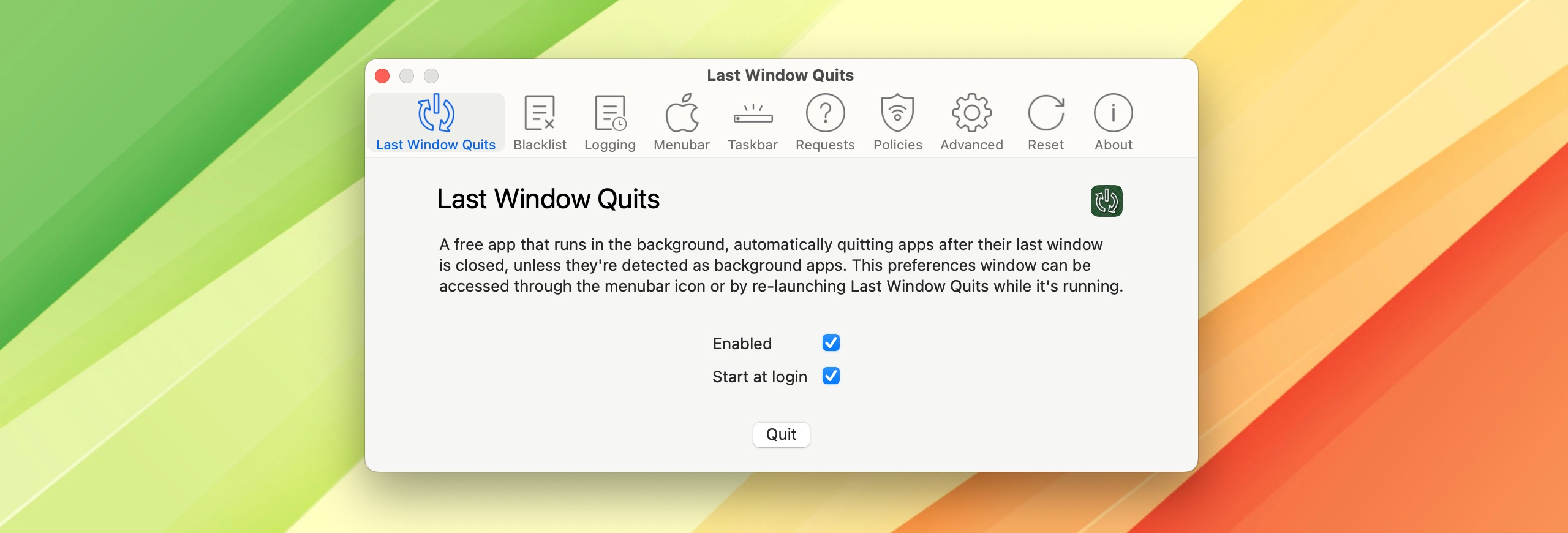
What it does
Notices every way a window closes
The red button, ⌘W, a menu command: however the last window goes, the app quits.
Leaves the apps you choose alone
Add apps to the blacklist and they keep running after their last window closes.
Waits before quitting
A short timer, 2 seconds by default, so an app that closes a splash screen on launch isn’t quit by mistake.
Keeps a log
Every window closure and every quit is written to a text log, showing which apps Last Window Quits quit.
- Starts at login and runs quietly in the background
- Can be paused whenever you like
- Detects background apps, such as VPNs, and leaves them running
- Free
Why I made it
macOS includes built-in memory management that automatically closes background apps that aren’t in use, particularly when memory is low. However, in my experience, there are times when the system runs out of memory without closing inactive apps, and shows a prompt like this one. I developed this app as an alternative for those who prefer to always close apps and keep memory free.
Lawand Dalatieh

“On point software! does what it needs to, no more, no less.”yan-6, MacUpdate
Questions
Does it work on the latest macOS?
Yes, on macOS 10.13 and later. Since macOS 15 Sequoia, macOS occasionally doesn’t tell apps that a window was closed, so once in a while an app may stay open after its last window closes. It’s an Apple bug, it’s rare, and a fix is planned.
Will it quit apps I want to keep running?
Apps it detects as background apps, like VPNs, are left running. For anything else, add it to the blacklist in the preferences and it stays open.
Can I install it with Homebrew?
Yes: brew install --cask last-window-quits. More about the cask.
How do I suggest a feature or report a bug?
On GitHub: feature requests and bug reports. Suggestions are very welcome.
Get Last Window Quits
brew install --cask last-window-quits
 Also by me: Taskbar
A Windows-style taskbar for macOS. Every window gets its own button.
