Free Chrome extension
Vertical tabs as a tree in Chrome
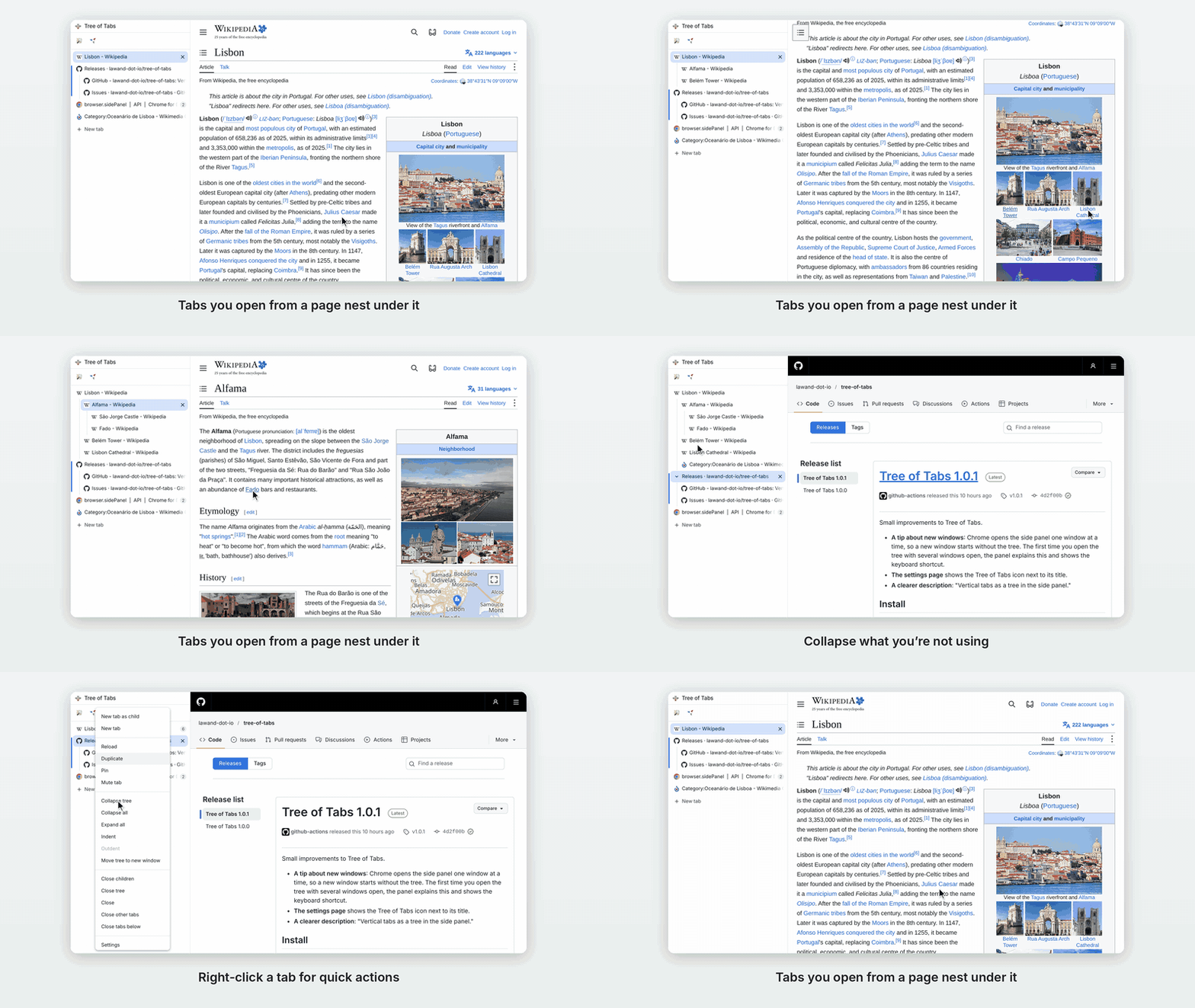
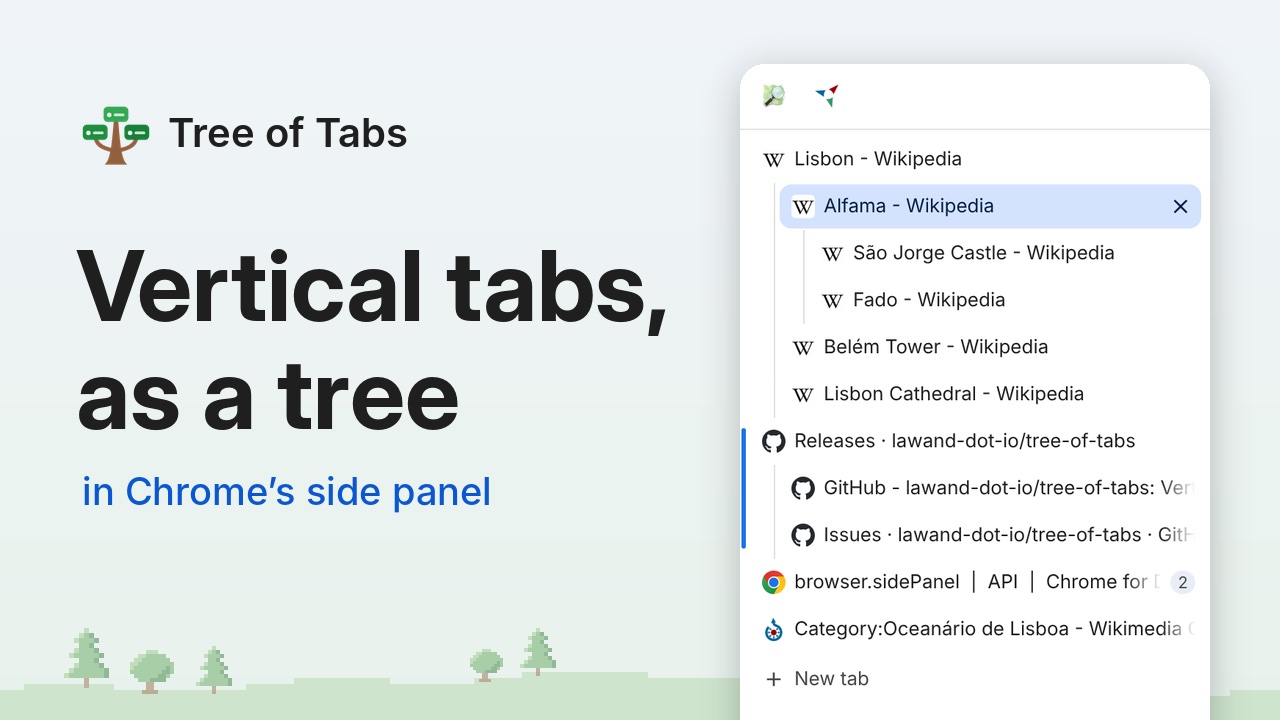
Every tab you open from a page appears nested under it in Chrome’s side panel, so you can always tell where a tab came from and which tabs belong together. Done with a topic? Close the whole branch at once.
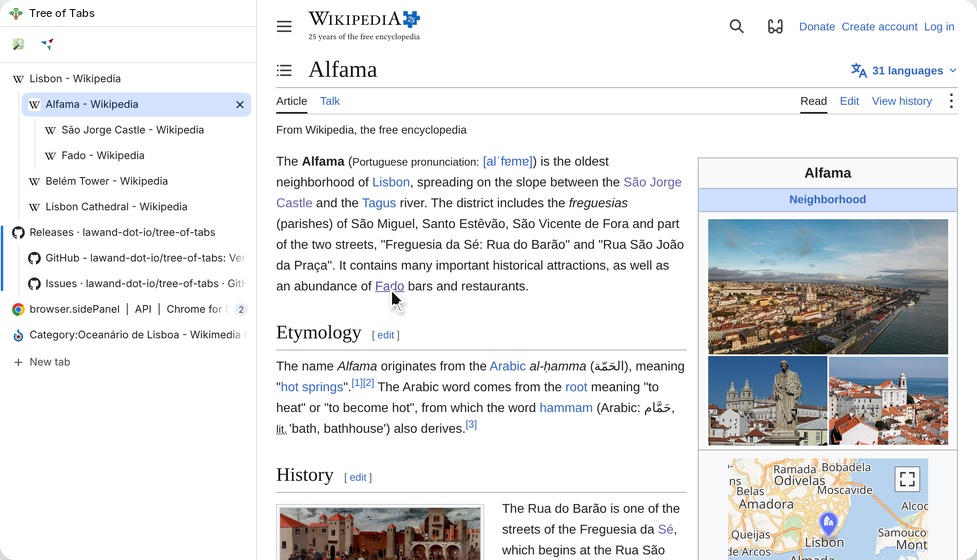
Tabs nest by themselves
Links you open in a new tab, middle-clicked links and pages that open tabs show up under the tab they came from. Tabs you open yourself, from the address bar or a bookmark, start their own tree.
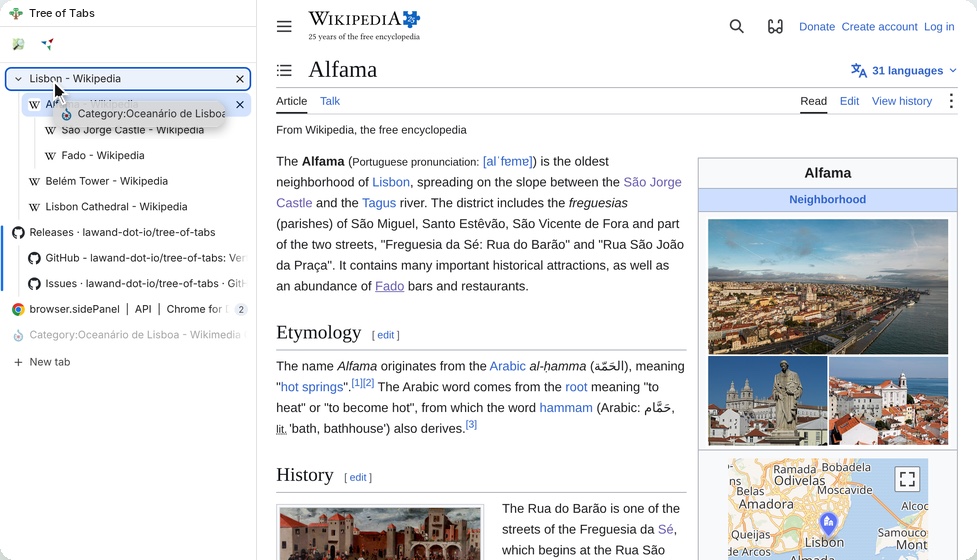
Drag to reorganize
Drop a tab onto another to nest it, or between tabs to move it. Its whole branch moves along, even to another window.
Collapse what you’re not using
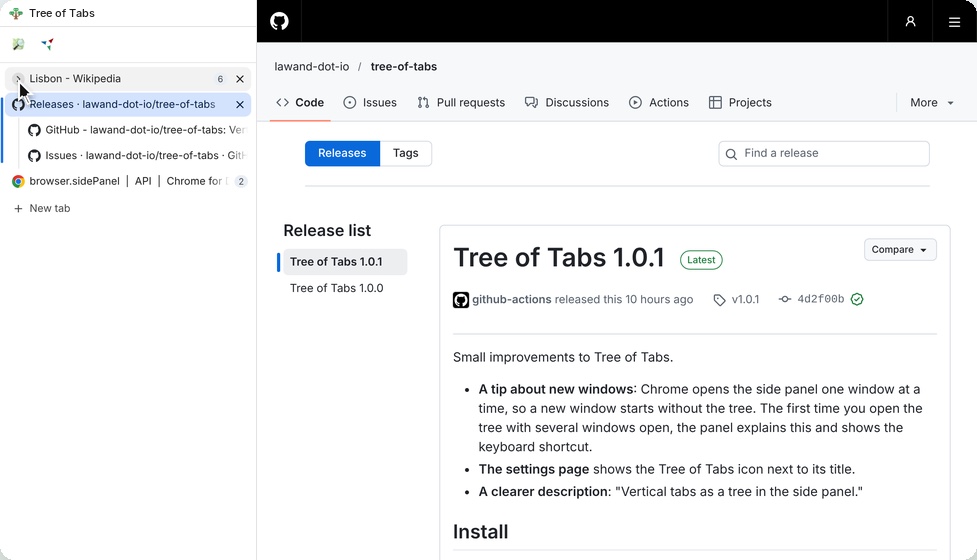
Point at a tab and its icon turns into an arrow. A collapsed tree shows how many tabs it hides, and opens again when you need one of them.
Quick actions for every tab
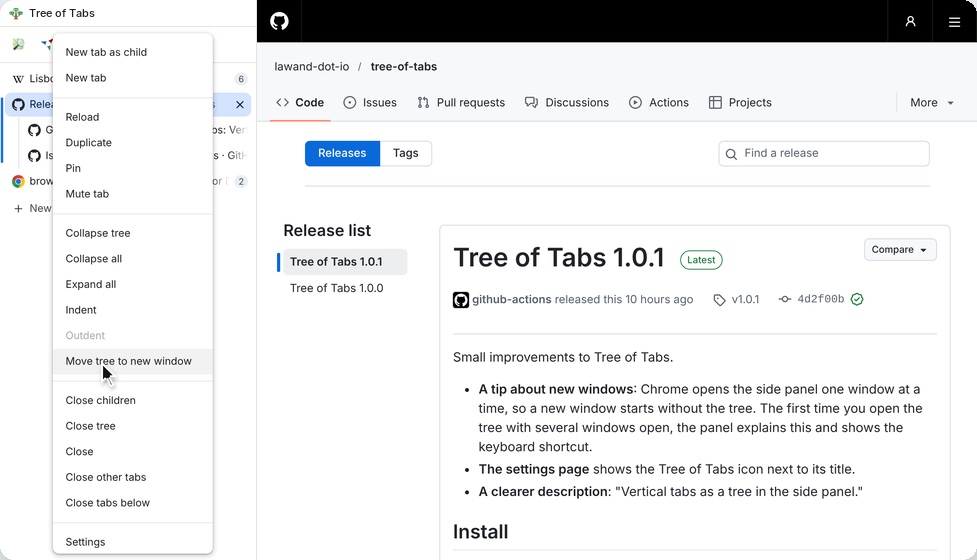
Right-click to duplicate, pin, mute, move a tree to a new window, close a branch, close other tabs, and more.
Looks like part of Chrome
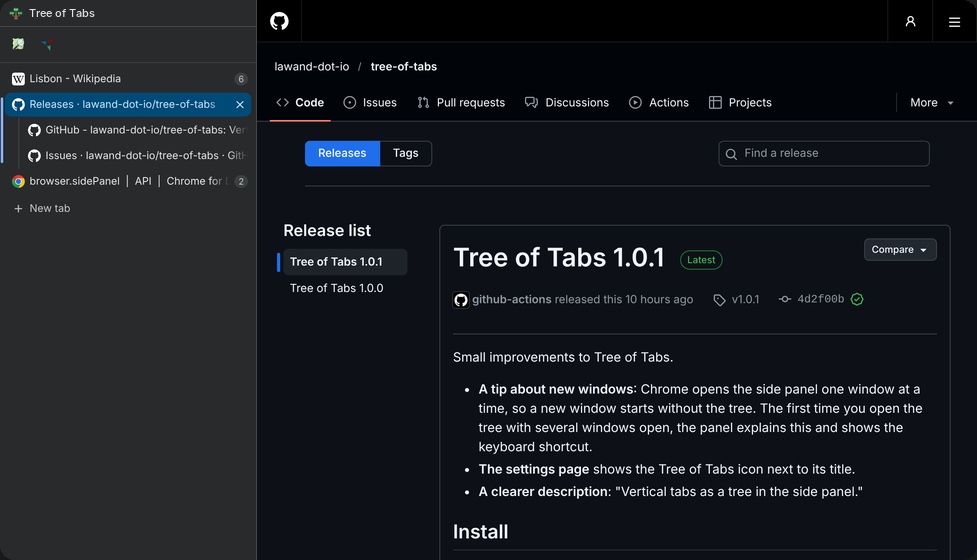
Chrome’s own look, in light and dark mode, with thin guide lines showing which tabs belong to which parent.
- Always in step with Chrome’s own tab strip: both show the same order
- Works with pinned tabs, tab groups and split views
- Can hide itself when a video goes full screen
- Remembers your tree when you restart Chrome
- Keyboard friendly: arrow keys, Shift+F10 for the menu, and Alt+Shift+T (Option+Shift+T on a Mac) to show or hide the tree
- In 12 languages, following Chrome’s language
Screenshots show pages from Wikipedia, Wikivoyage and Wikimedia Commons (CC BY-SA 4.0), OpenStreetMap (© OpenStreetMap contributors) and Chrome for Developers (CC BY 4.0).
How to use it
-
Add it to Chrome
From the Chrome Web Store. It’s free.
-
Open the tree
Click its button in Chrome’s toolbar (pin it from the puzzle-piece menu first), or press Alt+Shift+T (Option+Shift+T on a Mac). The tree opens in the side panel.
-
Browse as usual
Tabs you open from a page appear under it.
-
Tip: put it on the left
For the classic vertical tabs layout, open
chrome://settings/appearanceand set “Side panel position” to “Left”.
 Watch the full demo on YouTube
Your tabs stay on your computer
Tree of Tabs never sends your tabs or browsing anywhere. It keeps the shape of your tree on your own computer so it can rebuild it after a restart. No analytics, no accounts, no servers.
Chrome’s install prompt says it can “Read your browsing history”: it needs the titles and addresses of your open tabs to show them in the tree. It never reads the content of pages.
Good to know
Is it really free?
Yes. Tree of Tabs is free and open source, under the MIT license. The source code is on GitHub.
Can the side panel be narrower?
Chrome sets the side panel’s minimum width, and extensions can’t change it. You can vote for a narrower minimum on the Chromium issue.
Does it open in new windows automatically?
No. Chrome only lets extensions open the side panel when you click or press a shortcut, so in a new window, open it with the toolbar button or Alt+Shift+T.
Does it hide Chrome’s tabs at the top?
No, extensions can’t hide them.
Does collapsing hide tabs at the top too?
No, only in the tree.
Does it work on my phone?
No. Chrome on phones has no extensions. Tree of Tabs works in Chrome 116 or later on Windows, Mac, Linux and ChromeOS.
How do I suggest a feature or report a bug?
On GitHub: feature requests and bug reports. Suggestions are very welcome.